
Try Matrix
Join the Matrix ecosystem!
Just want to try it?
Open Element in your browser — no download needed. You'll be on matrix.org, the server run by The Matrix.org Foundation, which is a fine place to start. If you're planning longer-term use or want your own domain, read through the steps below first.
Get started using Element X. You'll be on matrix.org, the server run by The Matrix.org Foundation, which is a fine place to start. If you're planning longer-term use or want your own domain, read through the steps below first.

Get a client app
To use Matrix you need a client. Below are some well‑established, featured clients — choose the one that best suits your platform and needs. You can switch between them at any time, as all clients use the same account, and you can run multiple clients simultaneously to find your preferred option.
 Element Web / Desktop
Stable
#
Good for: New users and those coming from Slack or Teams
Windows
macOS
Linux
Web
Element Web / Desktop
Stable
#
Good for: New users and those coming from Slack or Teams
Windows
macOS
Linux
Web
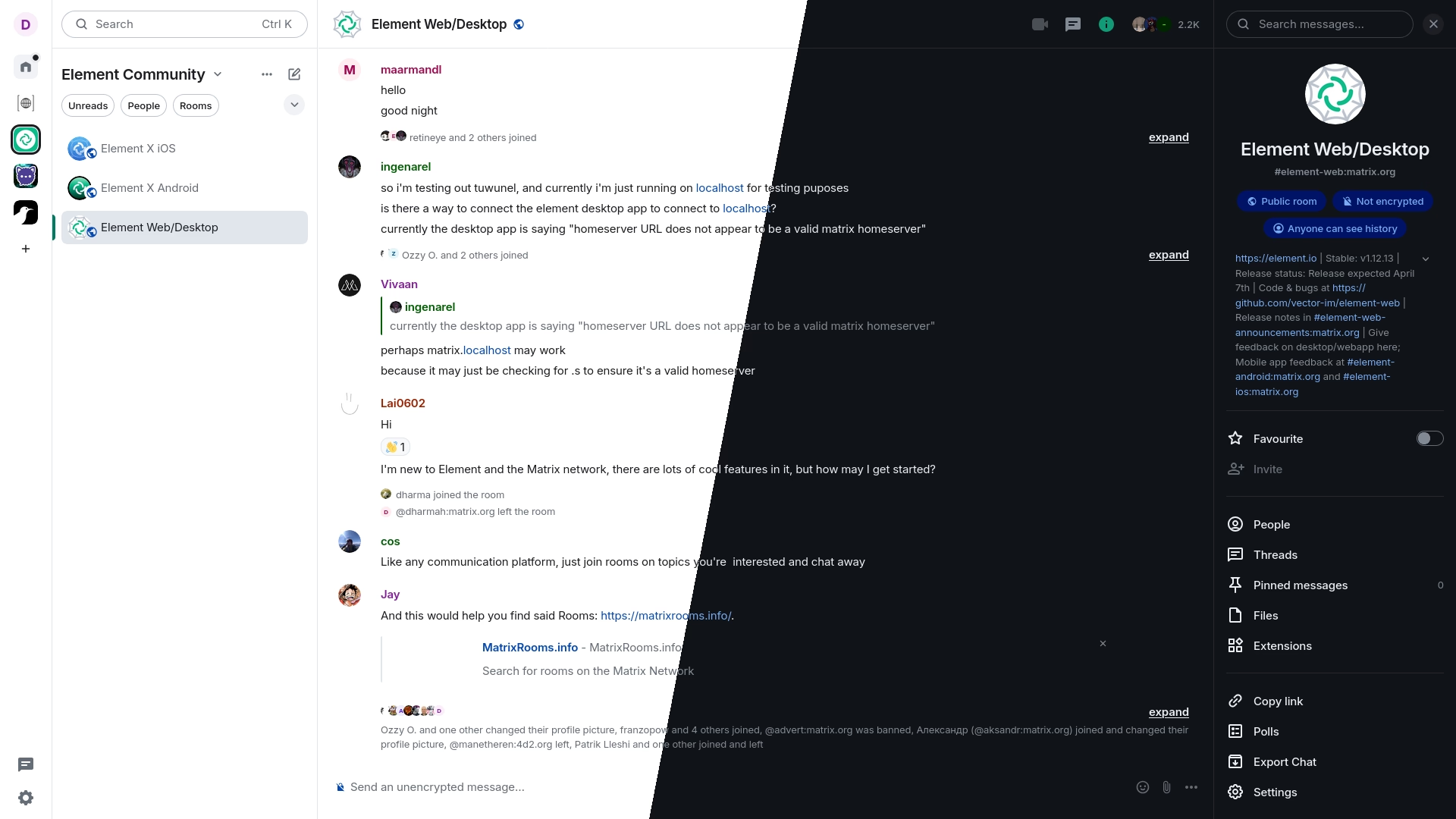
A glossy web and desktop client with an emphasis on performance and usability.





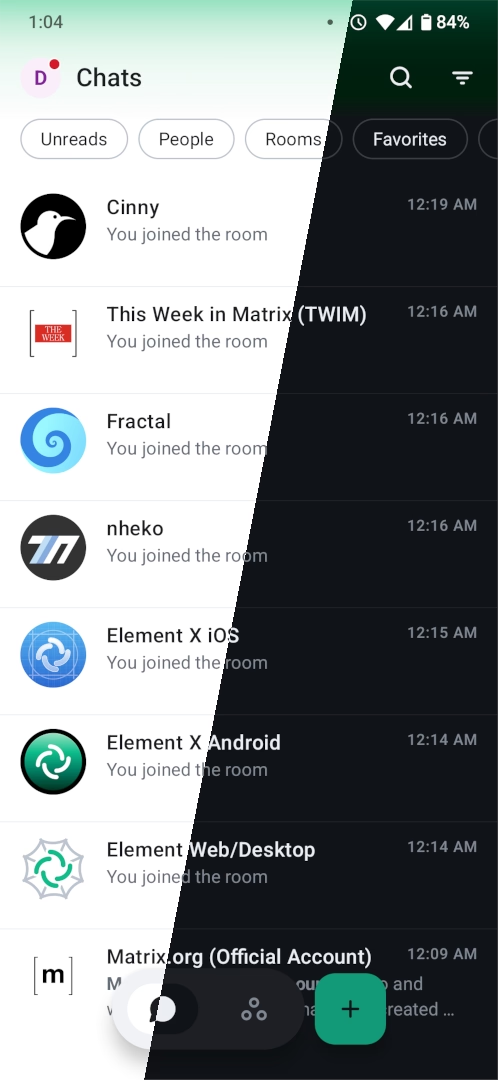
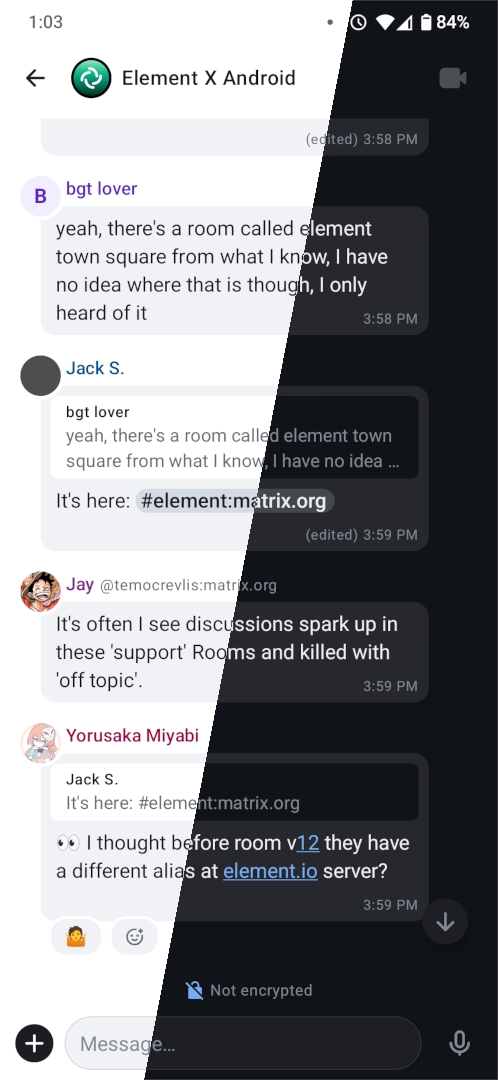
Next generation Element on mobile with native OIDC, sliding sync and Matrix RTC for calls.



 FluffyChat
Stable
#
Good for: Users who want something simple and approachable, especially on mobile
iOS
Android
Linux
Web
FluffyChat
Stable
#
Good for: Users who want something simple and approachable, especially on mobile
iOS
Android
Linux
Web
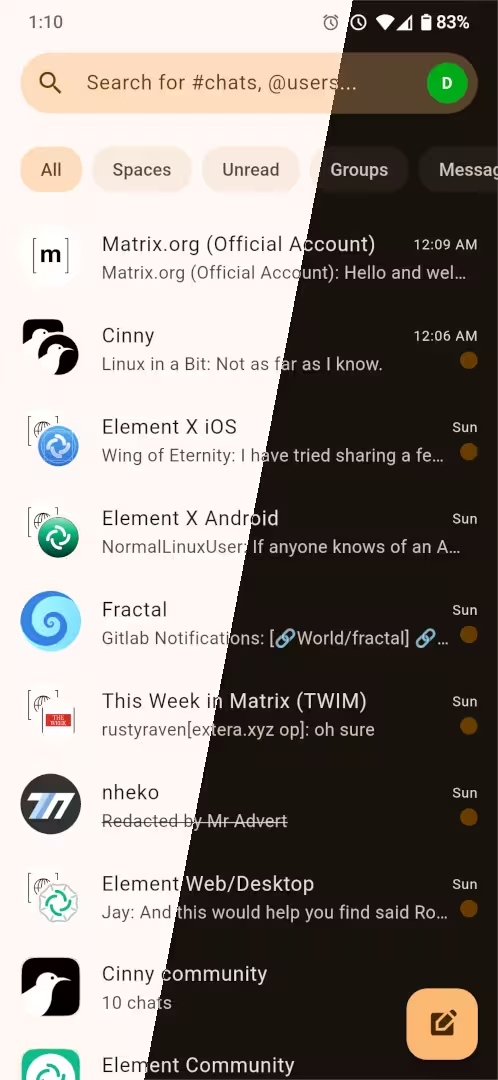
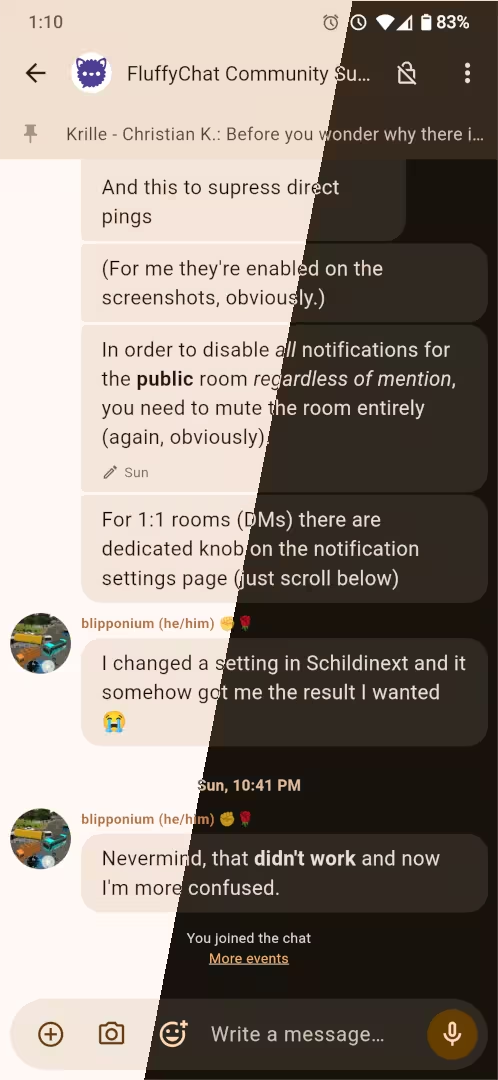
Cute instant messaging app for all platforms.
 Cinny
Stable
#
Good for: Users coming from Discord who want a familiar layout
Windows
macOS
Linux
Web
Cinny
Stable
#
Good for: Users coming from Discord who want a familiar layout
Windows
macOS
Linux
Web
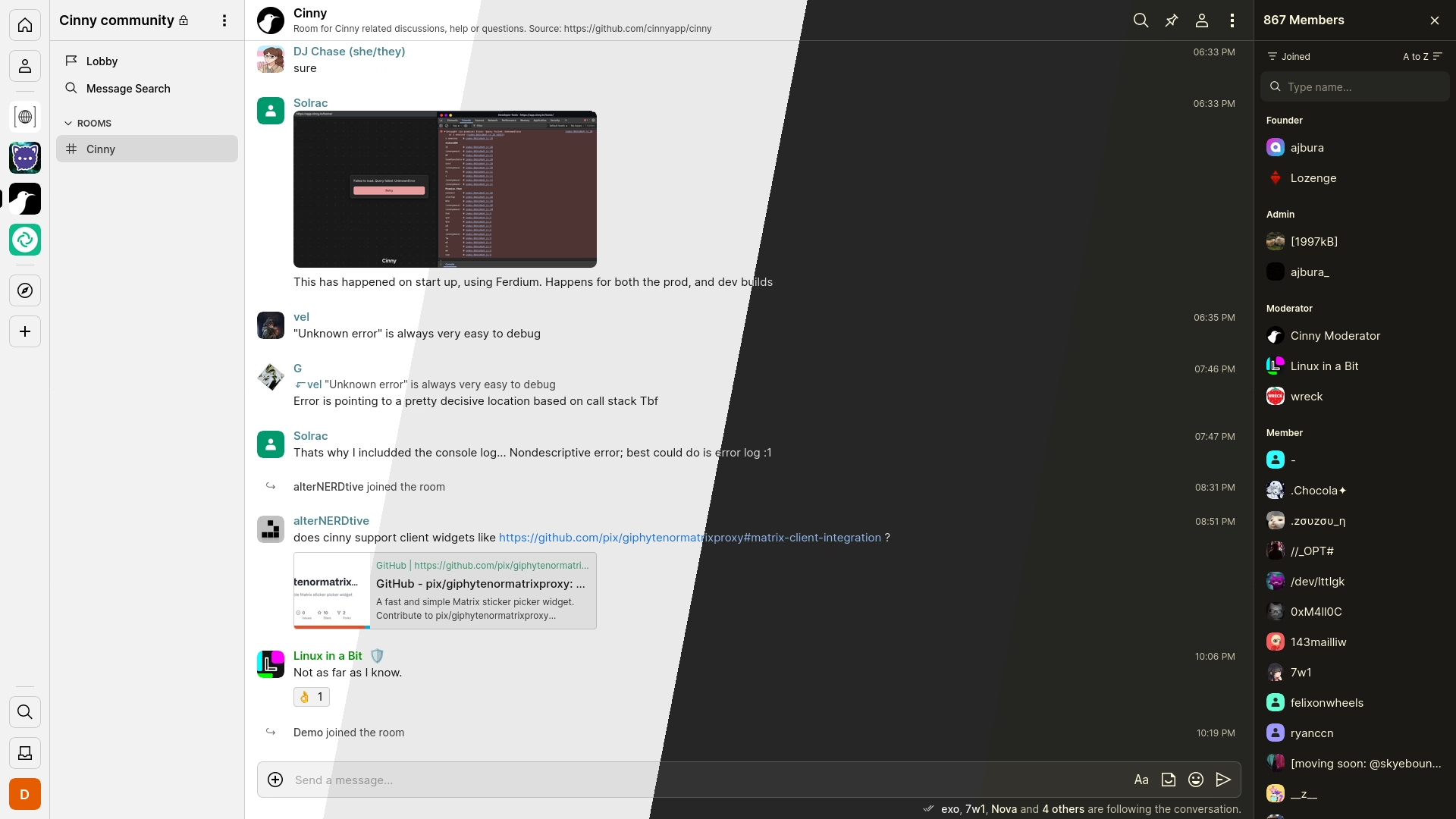
A Matrix client focusing primarily on simple, elegant and secure interface.
 Nheko
Beta
#
Good for: Power users and tinkerers who prefer a lean native desktop app
Windows
macOS
Linux
Nheko
Beta
#
Good for: Power users and tinkerers who prefer a lean native desktop app
Windows
macOS
Linux
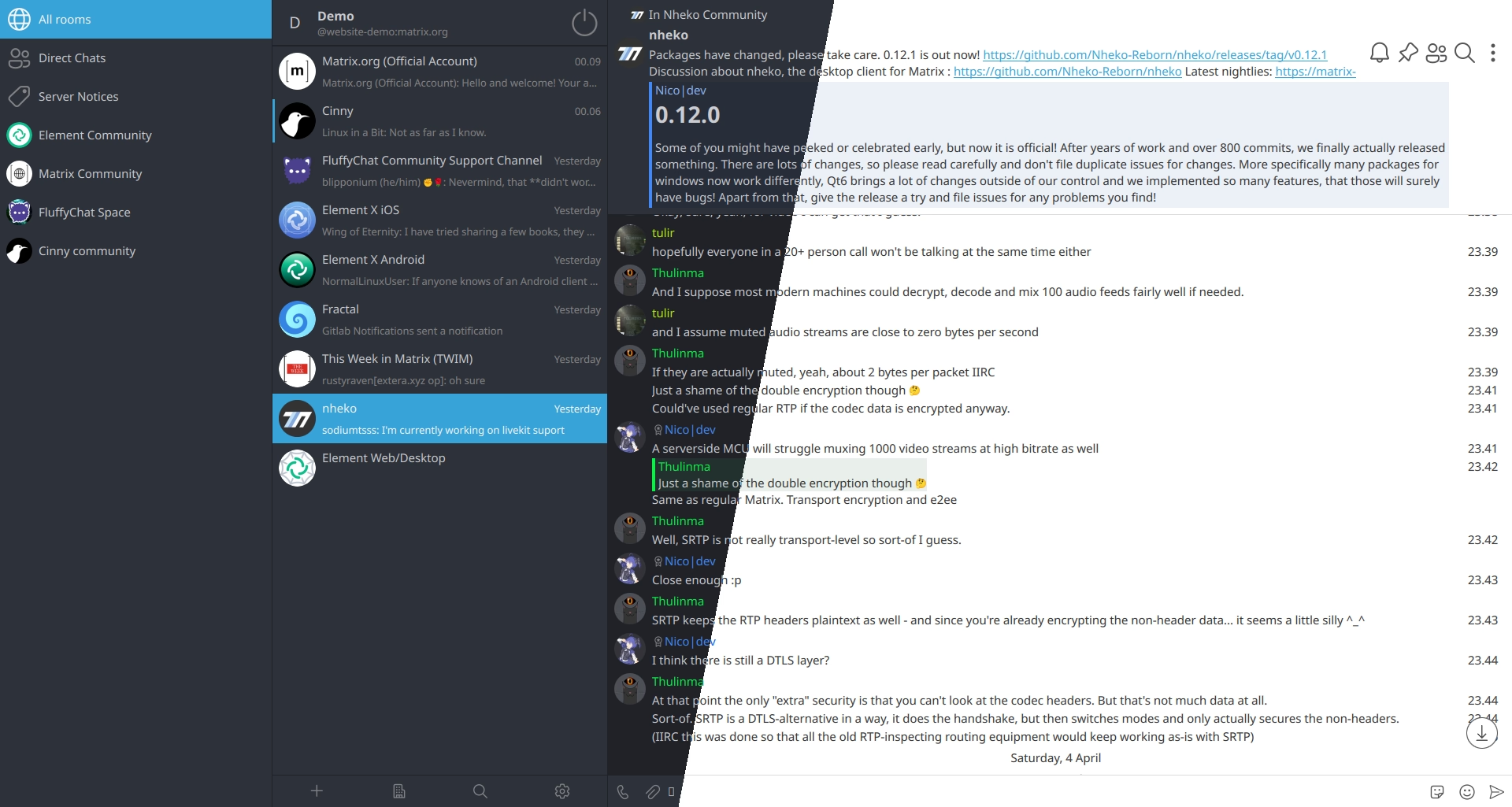
Desktop client for Matrix using Qt and C++20.
Create an account
Matrix is decentralised: like email, your account lives on a provider and you
can reach anyone regardless of which provider they use. If you want your address
to use your own domain (e.g. @you:example.com), managed hosting and
self-hosting both support that. If you rely on
bridges to other platforms, check that your
chosen server supports them — availability varies by provider.
matrix.org homeserver
Foundation-run
The Matrix.org Foundation hosts a server open to everyone.
Enter matrix.org in your app's server field when registering.
Premium
- 100 MB max attachment size
- 1 GB data / day
- Invite more people at once
- Free for Foundation members
Managed hosting
PaidThese services run a Matrix server for you — good if you want your own domain, dedicated resources, or more storage.






Self-hosting
CommunityRun your own Matrix server for full control over your data and community. Browse available server software, or use a distribution — pre-packaged setups like Ansible playbooks or Docker images that handle the hard parts for you.
Start chatting
Once you have an account, explore public
rooms and Spaces to find communities built around topics you care about.
You can message anyone on Matrix directly using their address
(@username:server) — no matter which server or app they use.